OpenAI Image Guide

GPT Image 2 Guide: Use Cases, Prompting Tips, and Workflow Ideas

A practical GPT Image 2 guide covering what OpenAI's newest image model does well, how to prompt it for better results, and when to use it instead of older or specialist image models.

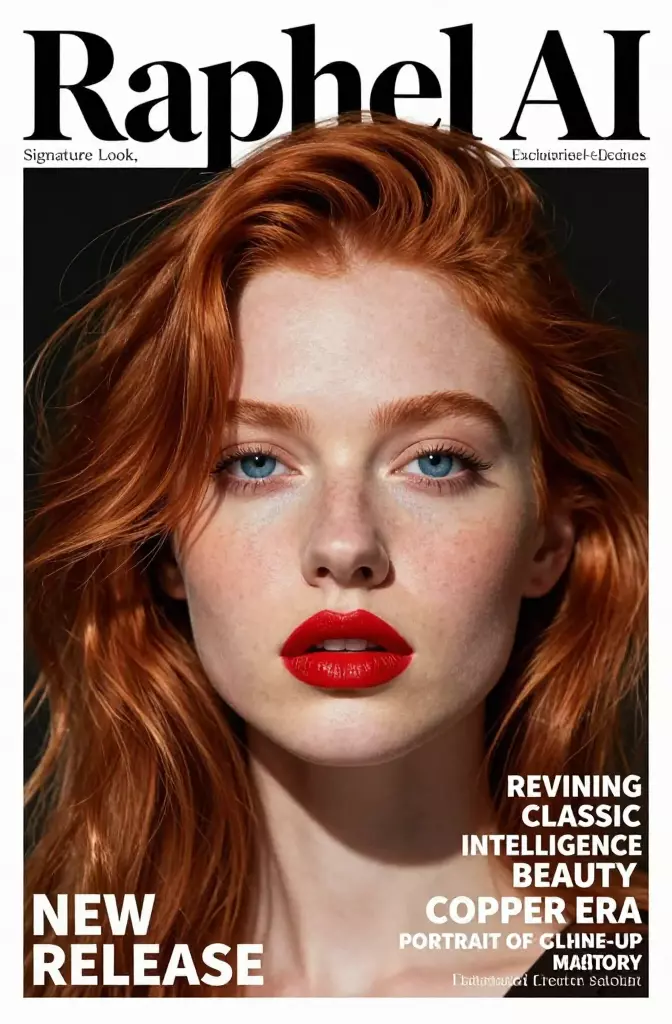
An editorial portrait cover used to illustrate GPT Image 2 layout and typography potential

Guide Summary

GPT Image 2 matters because image generation is no longer only about moodboards or abstract concept art. Teams now rely on image models for campaign posters, educational visuals, product composites, title cards, first-frame references, and social assets that need to look usable in production, not merely impressive in isolation.

Main keyword: gpt image 2

Where GPT Image 2 Fits Right Now

These recommendations synthesize current official positioning from OpenAI and Black Forest Labs. They are workflow guidance rather than lab-benchmark scores, which makes them more useful for teams deciding what to ship with.

Best For

GPT Image 2

OpenAI positions GPT Image 2 as its current high-end image model for fast generation and editing. It is the cleanest starting point when you want one OpenAI-native model for both creation and revision.

Editorial layouts, typed assets, brand visuals, and image editing inside an OpenAI-heavy stack.

Strengths

  • OpenAI's current model page frames it as a state-of-the-art image model for fast, high-quality generation and editing.
  • OpenAI's launch examples lean into notebook pages, multilingual posters, brochures, manga pages, and stylized art that all reward instruction following.
  • A strong fit when usability, hierarchy, and readable composition matter as much as visual polish.

Tradeoffs

  • Teams with highly specific multi-reference needs may still prefer a specialist model family with more explicit reference-control features.
  • You still need disciplined prompting for typography, layout, and brand constraints. The model is not a substitute for a clear brief.
Best For

FLUX.2

Black Forest Labs presents FLUX.2 as its current flagship family, with dedicated tiers for premium quality, flexible budgets, and reference-heavy editing work.

Multi-reference image editing, product composites, and teams that want more vendor-level workflow options.

Strengths

  • Official docs emphasize multi-reference editing, color control, and up to 10 input images in the family.
  • The model lineup gives teams room to optimize for premium quality, speed, or budget depending on the job.
  • A strong option when composition control and reference blending are central to the brief.

Tradeoffs

  • The broader family asks teams to choose between more variants before they can standardize a workflow.
  • If your stack already lives in OpenAI tools, another vendor can add more handoff overhead.

Best For

DALL-E 3

DALL-E 3 is still the name many searchers recognize, but OpenAI now treats it as a previous-generation image model rather than the current default.

Legacy comparisons and baseline context when teams want to understand how far OpenAI's image stack has moved.

Strengths

  • Still useful as a familiar baseline when readers search for older OpenAI image comparisons.
  • Helps explain why GPT Image 2 feels more relevant for teams building a fresh workflow today.

Tradeoffs

  • OpenAI's model page marks it as previous generation rather than the current recommendation.
  • That older positioning makes it less compelling for new production workflows than GPT Image 2.

Creative Directions To Benchmark

These local examples are illustrative benchmark visuals rather than claims about one exact model output. They show the categories teams usually inspect when they compare a modern image model's range, discipline, and production usefulness.

An editorial portrait cover mockup used as an image-model benchmark

Editorial Cover Composition

A portrait-led cover mockup is a strong benchmark for whether a model can keep faces convincing while respecting large-format type and clear hierarchy. GPT Image 2 is especially relevant in this category because OpenAI's launch examples push hard on layout-heavy assets.

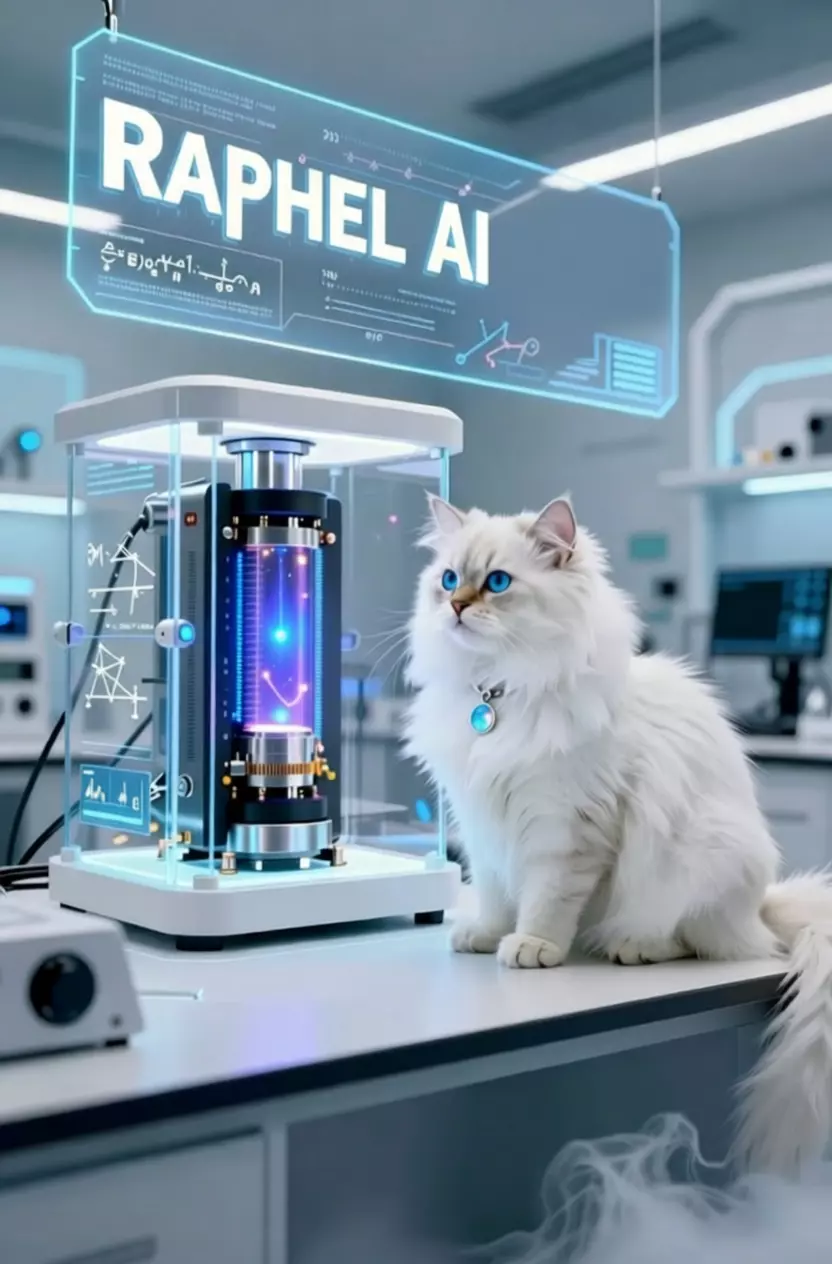
A futuristic lab scene with a large sign used as a readability benchmark for image models

Signage And Object Rendering

Interface-like labels, product surfaces, and hero objects reveal whether a model can stay readable without flattening the scene. This is the kind of asset marketing teams often test before trusting a model for ads, explainers, or product storytelling.

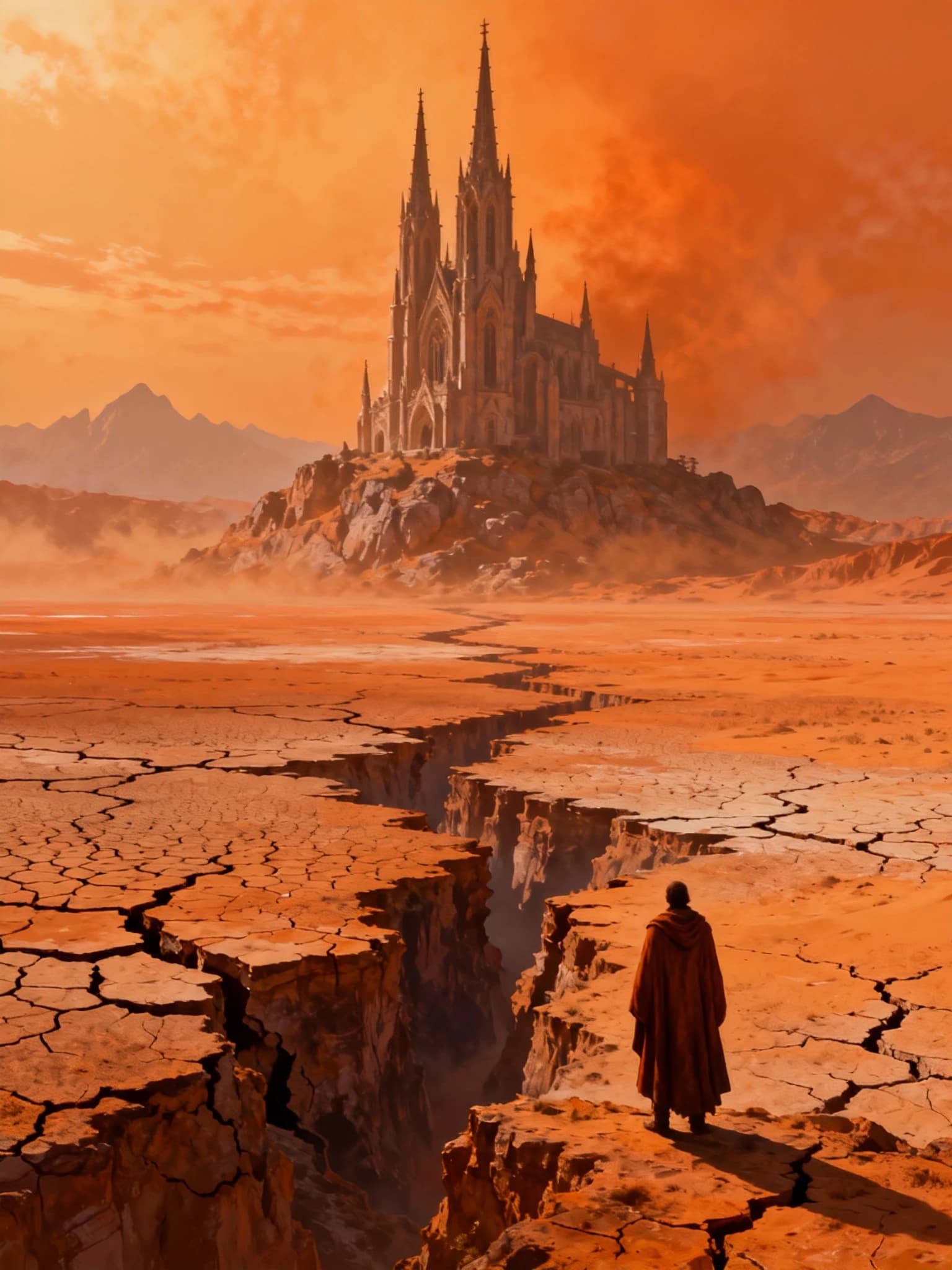
A cinematic environment frame used as a benchmark for world-building and concept art

World-Building Concept Frame

Large environment art still matters because many teams use image models upstream of video. A strong concept frame can later become a first-frame reference, poster key art, or a moodboard anchor for a trailer.

How To Use This Workflow

  1. 1. Define the asset before the aesthetic

    Start by naming the actual deliverable such as poster, brochure, title card, character sheet, or concept frame. GPT Image 2 tends to respond better when the prompt reads like a production brief instead of a pile of style adjectives.

  2. 2. Write in layers: subject, composition, typography, finish

    Anchor the subject and camera first, then describe layout, readable text zones, color direction, and finishing details. This keeps the prompt organized and makes revision requests much easier.

  3. 3. Switch from generation to editing once the direction is close

    Do not keep regenerating from scratch after the concept is 80 percent right. Move into an edit mindset and describe exactly what should change, what should stay, and what must remain recognizable.

What GPT Image 2 is and why it is getting attention

As of April 21, 2026, OpenAI lists the snapshot `gpt-image-2-2026-04-21` and describes GPT Image 2 as its state-of-the-art image generation model for fast, high-quality generation and editing. That matters because it positions GPT Image 2 as the current reference point for teams building image workflows in the OpenAI ecosystem.

OpenAI's launch examples point at the categories the company wants people to trust the model with: realistic notebook pages, multilingual editorial posters, manga-style pages, brochure layouts, and stylized art. The signal is clear. The pitch is not only prettier pictures. It is usable pictures with layout discipline and better instruction following.

  • A relevant model when the output needs to look publishable rather than merely cinematic.
  • Useful for marketing creatives, editorial assets, explainers, and pre-production image work.
  • Worth tracking closely if your stack already uses OpenAI for chat, app workflows, or content operations.

Where GPT Image 2 is strongest

GPT Image 2 is especially compelling when the output has to look usable rather than merely impressive. It is a strong fit for creative-ops teams, founders, marketers, and video producers who care about readable composition, controllable edits, and fast movement from rough idea to presentable asset.

Typed and layout-heavy creative

Posters, cover art, notebook visuals, brochure-like assets, and social ads all punish weak layout discipline. GPT Image 2 stands out because OpenAI is explicitly showcasing categories where text placement, hierarchy, and design clarity matter.

Image-led iteration

The model becomes more useful once a team stops thinking only in terms of fresh generations. When you already have a promising draft or a reference frame, the edit workflow is often where real production speed shows up.

Style range without losing usability

OpenAI's examples span realism, editorial portraiture, manga, and more stylized visual directions. That range matters because modern teams rarely use one image model for a single aesthetic. They use it across ads, product education, thumbnails, and creative exploration.

How to prompt GPT Image 2 for better output

The highest-leverage change is to stop writing prompts like a bag of aesthetic adjectives. GPT Image 2 tends to work better when the prompt behaves like a short creative brief. Name the asset, describe the subject, define the composition, and specify what must be readable or preserved.

If the prompt includes text or layout expectations, say that directly instead of hoping the model will infer them from mood language alone. Clarity about purpose usually beats decorative wording.

  • Name the deliverable first: poster, key visual, notebook page, comic spread, brochure, or concept frame.
  • Specify subject, camera distance, background, and composition before style language.
  • If text matters, explain where it should appear and what role it should play in the hierarchy.
  • When editing, describe what should change and what must remain untouched.

How GPT Image 2 compares with older and specialist models

Compared with DALL-E 3, GPT Image 2 is the more current OpenAI choice and the more relevant one for teams designing a fresh workflow today. Compared with FLUX.2, GPT Image 2 feels strongest when you want one current OpenAI-native model for both creation and editing without building a more model-family-specific process.

If your workload depends on heavy multi-reference compositing, FLUX.2 has a clearer official story there. If you mainly want a current OpenAI image stack that appears to care deeply about typography-heavy assets, editorial composition, and polished brand visuals, GPT Image 2 is the one to study first.

Why this matters for video-first teams

Even on an AI video site, strong image models matter upstream. They help teams build moodboards, thumbnail directions, poster frames, title cards, ad stills, and first-frame references that later become video inputs.

That makes GPT Image 2 relevant not as a side hobby, but as a practical pre-production tool for teams that care about visual direction before motion ever starts.

FAQ

Is GPT Image 2 the current OpenAI image model?

As of April 21, 2026, OpenAI's current model page lists the GPT Image 2 snapshot `gpt-image-2-2026-04-21` and positions it as the company's state-of-the-art image model for fast generation and editing.

Is GPT Image 2 better than DALL-E 3?

For most fresh evaluations, yes. OpenAI now frames DALL-E 3 as a previous-generation image model, while GPT Image 2 is the current image model to benchmark first.

When should I choose FLUX.2 instead of GPT Image 2?

FLUX.2 is the stronger first stop when your workload depends on multi-reference editing, reference blending, or very explicit vendor-level control over how multiple inputs are combined.

Why does GPT Image 2 matter on a video-first site?

Because image models often sit upstream of video production. Teams use them for poster art, title cards, moodboards, thumbnails, and first-frame references before they generate motion.